How to Access W2 or 1095-C Forms in Dayforce

Oct 07, 2025
 27
27
Option 1: For Accessing W2 Forms
Click on the Earnings Icon

Click on Year End Forms
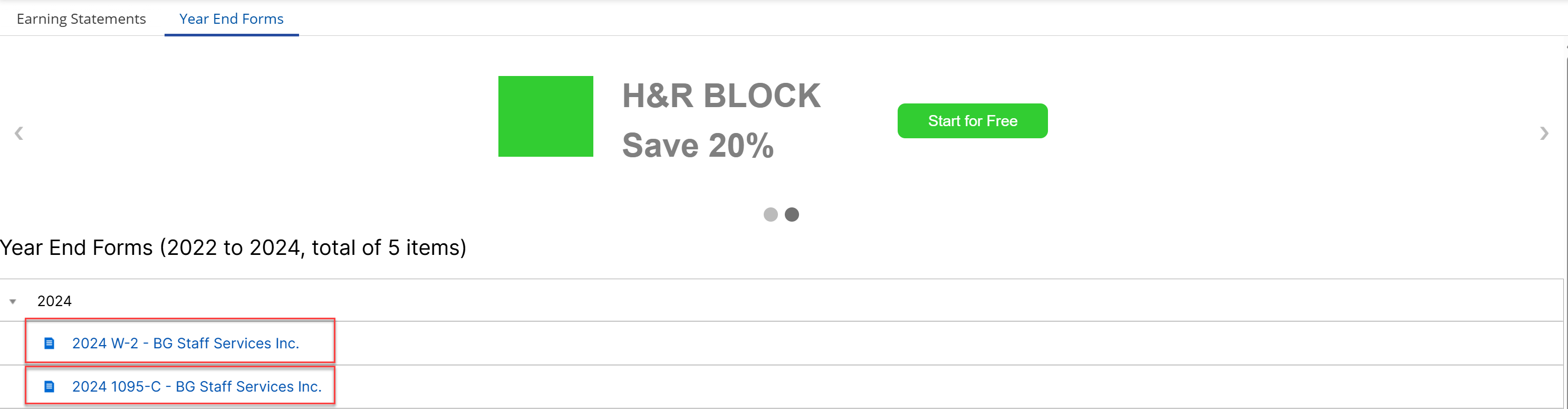
When available the W2 Statements will show up in this section in Dayforce

Click on the Year End Forms Tab and Click on the W-2 Link or the 1095-C Link
Option 2: For Accessing W2 Forms
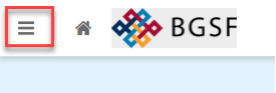
Click on the Hamburger Menu
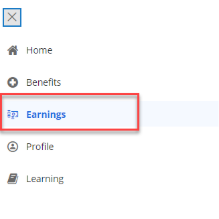
Click on Earnings
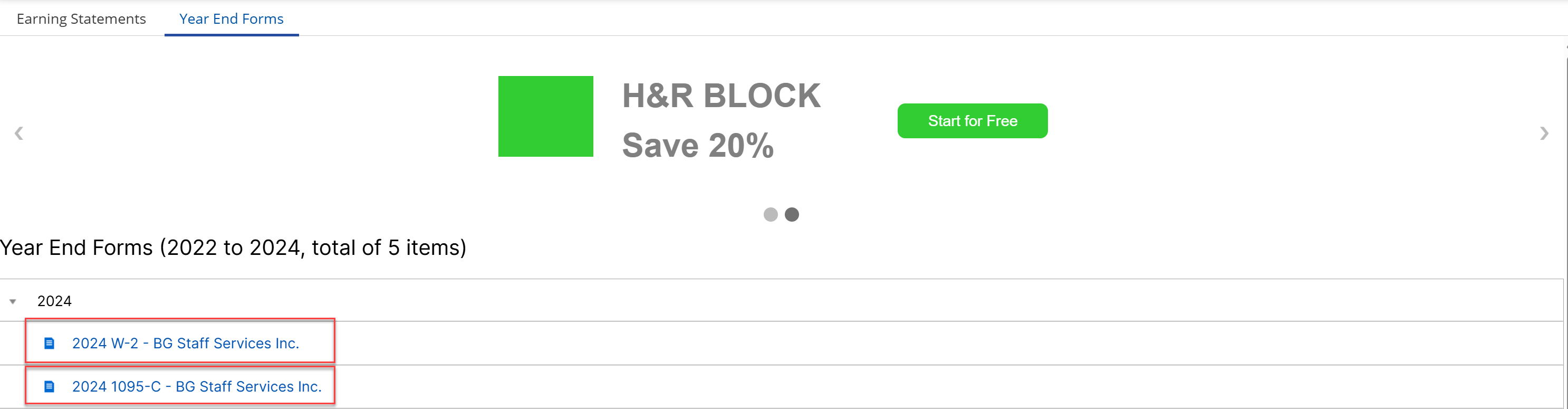
Click on the Year End Forms Tab and Click on the W-2 Link or the 1095-C