Dayforce Login Issues Field Employees

Sep 26, 2025
 113
113
Close all Browsers
Launch Google Chrome
On the Google Chrome click on the three horizontal dots

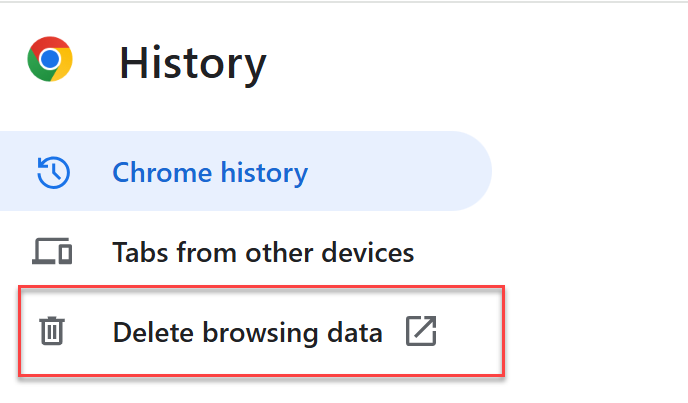
Click on History > History

Click on Delete Browsing data
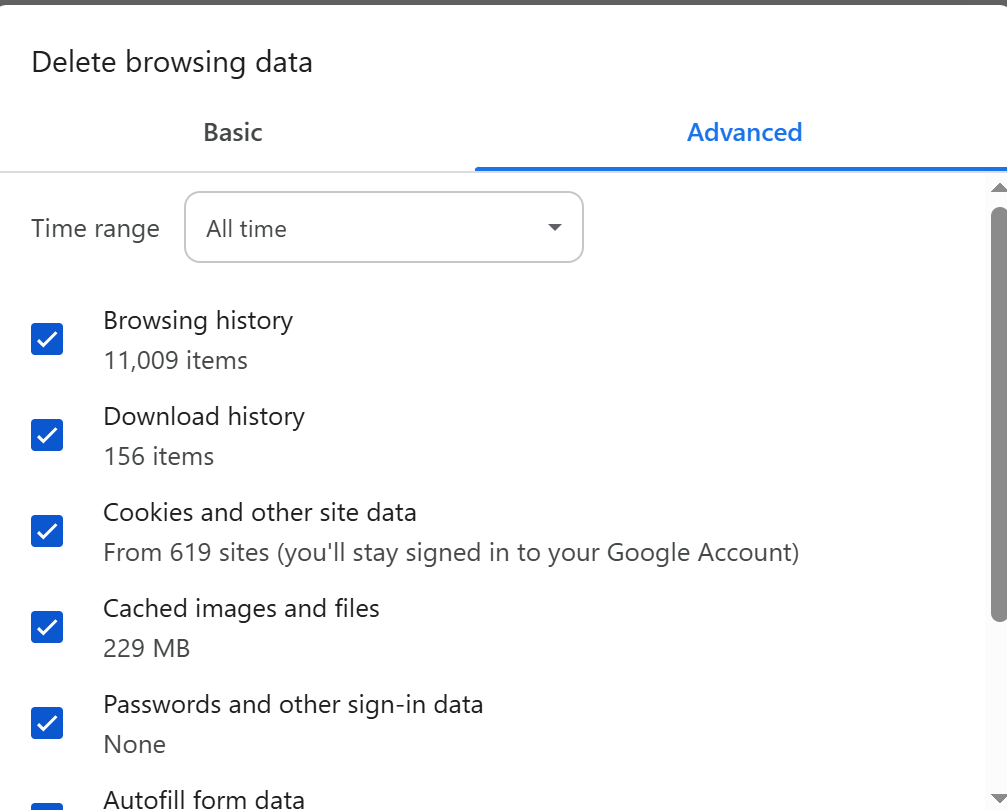
Click on the Advanced Tab
Update the Time Range if needed (select All Time)
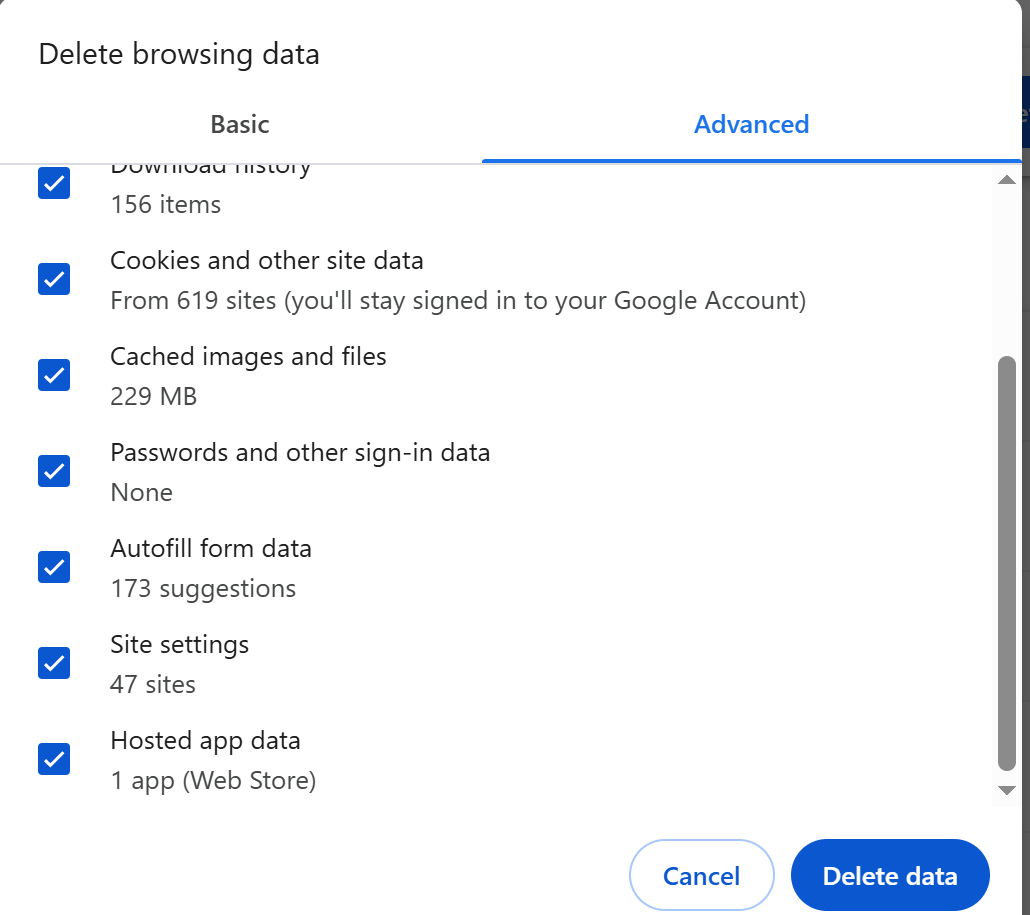
Scroll down
Select Password and other sign-in data
Select the Autofill form data
Select Site Settings
Select the Hosted app data.
Click on the Clear Data Button
Close the browser
Launch Google Chrome
Close the browser
Launch Google Chrome
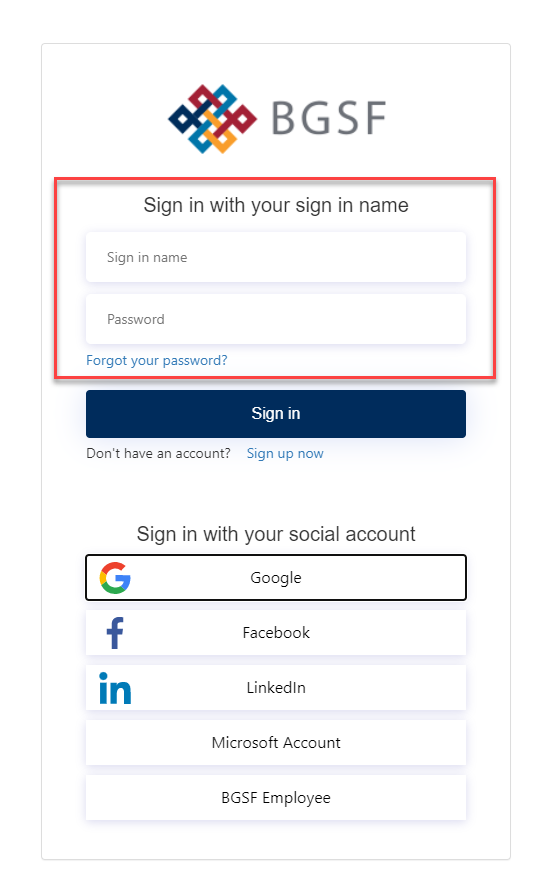
Sign in with your email address
If you don’t remember your password, then click on the Forgot Your password link and follow the instructions
Click on My Dashboard

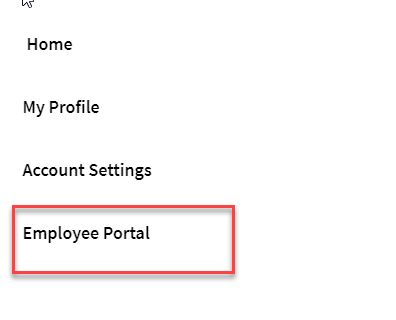
Click on Employee Portal
Click on View Paystub