


Dayforce – Terminated Employee Not Showing Up

Oct 07, 2025
 46
46
Log into Dayforce
Note: Do not use the search on the top since this does not include Terminated Employees
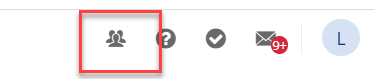
In the upper right corner click on the people icon
Click on Add Filter

Check the field Status and then click on Update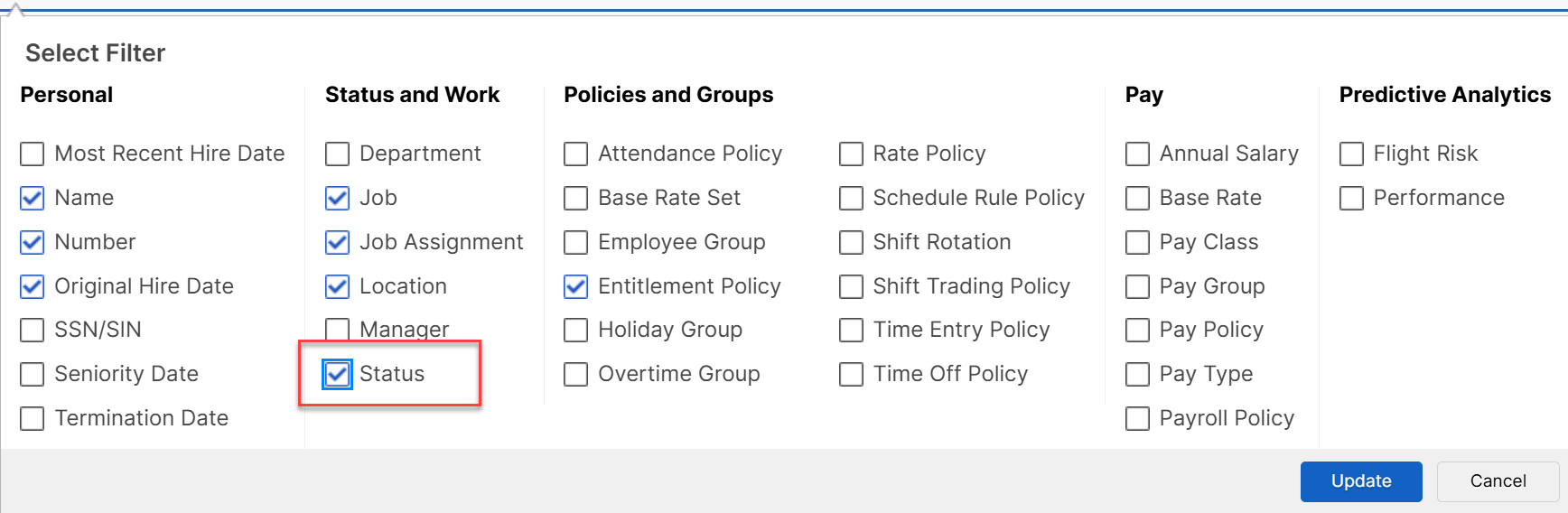
In the Status and Work filter select Terminated from the drop down

Click On Apply Filter

Then the employee will show in the results


