


 33
33
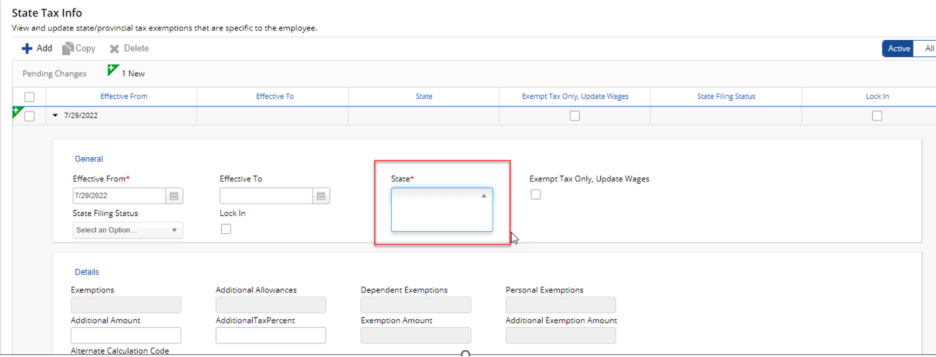
If the State drop down is blank for the State Tax Info in Dayforce below are instructions for getting the state to show up.
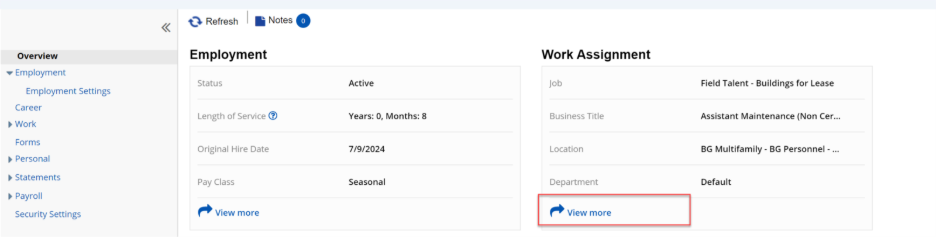
On the left side go to Overview and click on the View More link for Work Assignments
Click on the arrow to expand the primary assignment
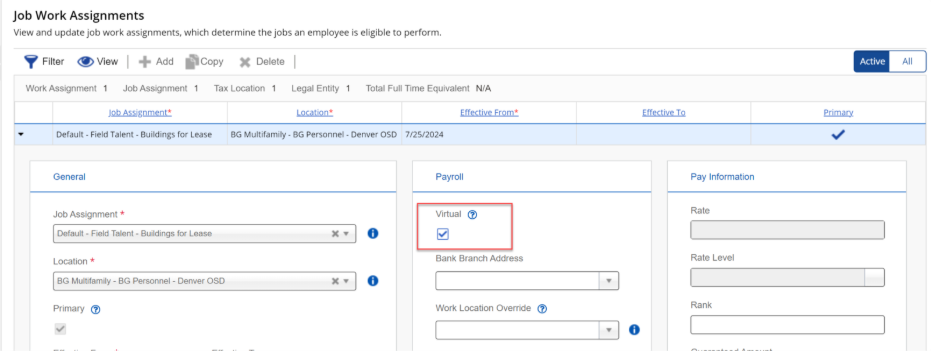
Uncheck the Virtual check box under Payroll and click on Save about the Work Assignments
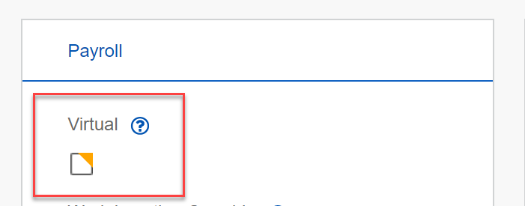
Click is the Virtual Box so it is checked and click on Save again
Note: A pop up may appear when checking and unchecking the Virtual Box. For this pop up just click on. The pop message may not be exactly the same as the one below.
On the Left side go to Payroll à Tax Definitions
Click on the Add button and check to see if the State now shows up in the State drop down. Select the State from the drop down
Click on Save

