83
83
UKG: Accessing UKG Timekeeping application for the first time:
- Log in on Deskop at: https://secure10.saashr.com/ta/6165151.home
- Mobile App:
Follow these steps to access UKG from your desktop or phone for the first time.
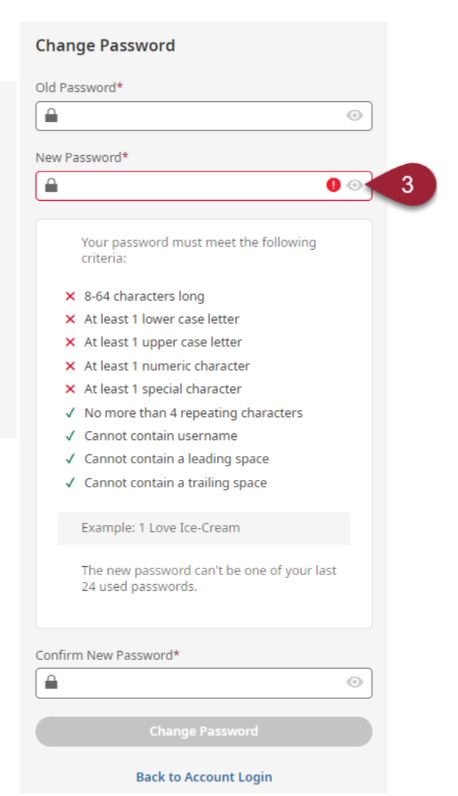
1. You will receive an e-mail from [email protected] with your first time login information.
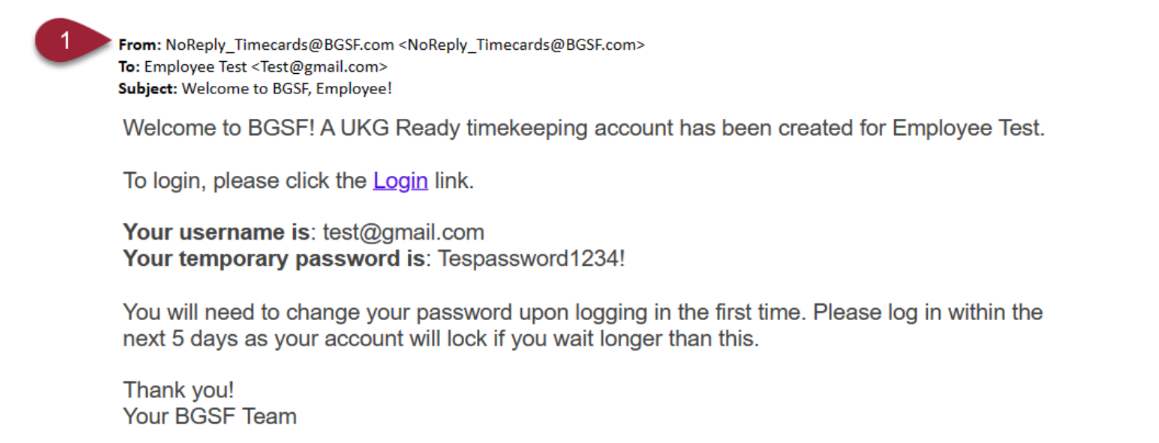
2. Access UKG from your desktop or UKG Ready app on your phone.
Mobile App Only: Select your Region (North America) and enter 6165151 as the Company
Short name. Click Continue
3. Login with the credentials provided in your welcome email.
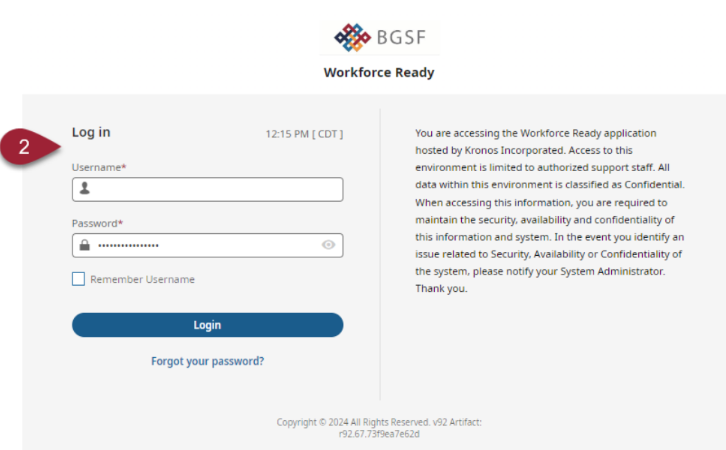
4. You will be prompted to update your password. Your old password is the initial one received via e-mail.
5. When creating a new password, it must be 8 characters long and must contain a capital letter, lowercase letter, numbers and a symbol.
NOTE: Please login within 5 days of account activation or you will get locked out